
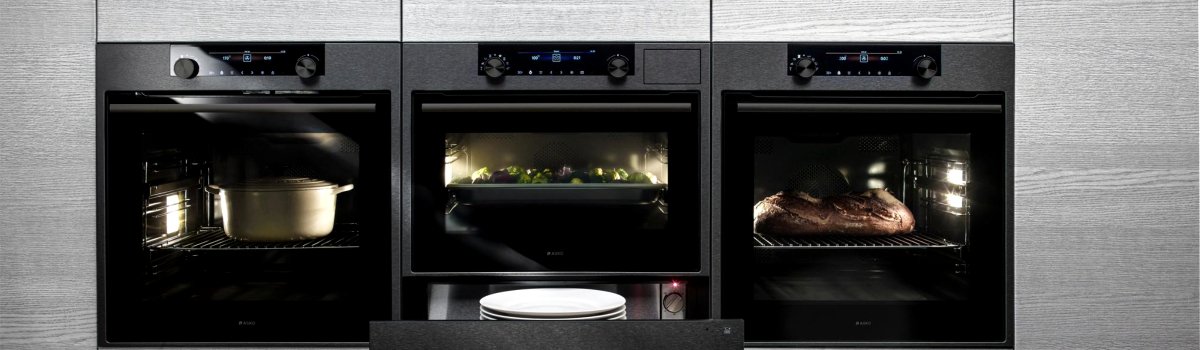
If you own an Asko oven, seeing the ERR3 error code on your display can be stressful. This code signals a communication problem inside your appliance. Essentially, parts of your oven or the control system are failing to “talk” to each other properly. Understanding what causes ERR3 and how to address it can save you time and prevent further damage.
What Does ERR3 Mean?
The ERR3 code usually points to a communication breakdown within the oven’s system. This can happen between the control board and other components, like the touch panel, sensors, or relays. When your oven can’t exchange information internally, it won’t function correctly, and the error code appears.
Many users confuse ERR3 with a mechanical fault, but in most cases, it’s electronic or software-related, not caused by worn-out parts.
Common Causes of ERR3
There are several reasons why your Asko oven may show ERR3:
- Loose or damaged wiring: Wires connecting the control board to sensors or displays may be partially disconnected or frayed.
- Power fluctuations: Sudden spikes or drops in electricity can disrupt the oven’s communication system.
- Software glitches: Modern Asko ovens may have firmware that occasionally needs updating.
- Faulty control board: In rare cases, the main control board itself may be defective.
Understanding the root cause is crucial before attempting any DIY fixes.
DIY Solutions for ERR3
If you feel comfortable handling basic appliance troubleshooting, you can try these steps:
- Power Reset: Unplug your oven and wait at least 30 minutes. This simple reset can allow the electronics to reboot and may clear the error.
- Check your power source: Make sure your outlet is stable. Try plugging the oven into a different outlet or use a surge protector.
- Inspect internal wiring: With the oven unplugged, carefully check for loose or damaged wires. Tighten connections or replace damaged wires if you’re confident in doing so.
- Software updates: Visit Asko’s official website to see if there are firmware updates for your oven model. Follow the instructions to update safely.
Even a basic reset can sometimes resolve ERR3, but if these steps don’t work, professional help may be necessary.
Preventing ERR3 in the Future
Prevention is always better than repair. Keeping your oven in good shape can reduce the likelihood of ERR3 and other electronic errors.
- Stable power supply: Use a surge protector to shield your oven from spikes or power drops.
- Regular inspections: Periodically check the wiring and connectors for wear or damage.
- Proper cleaning and use: Avoid spilling liquids near the control panel and clean the oven according to the manufacturer’s guidelines.
- Stay updated: Check for software updates if your model supports them. Updated firmware can fix glitches and improve communication between components.
Final Thoughts
The ERR3 code in an Asko oven is mostly an electronic communication issue rather than a major mechanical failure. Many owners can resolve the problem with a simple power reset or by checking connections. However, persistent errors often indicate a deeper problem with the control board or internal wiring, which requires professional service. Regular maintenance and careful use can minimize the chances of ERR3 appearing and keep your oven running smoothly for years.