
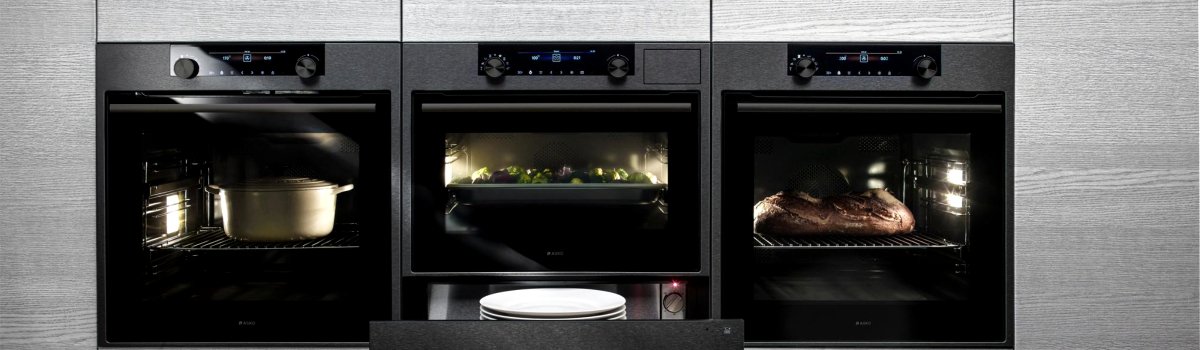
If you’ve recently seen F85 appear on your Asko oven’s display, don’t panic. This error code is your oven’s way of saying it’s overheating and needs attention. Ignoring it can lead to permanent damage to your appliance and affect your cooking performance. In this guide, we’ll break down what the F85 error means, why it happens, and what you can do to fix it at home. Plus, we’ll share simple tips to prevent it from happening again.
What Is Asko Oven Error Code F85?
The F85 error code is triggered when your oven detects temperatures higher than what it’s designed to handle. Essentially, it’s an overheating warning. Most commonly, this happens because the cooling fan, which regulates the internal temperature, isn’t working properly.
When the cooling fan fails, heat builds up inside the oven, putting sensitive components at risk. Ignoring this warning can lead to burnt electronics, shortened appliance lifespan, and inconsistent cooking results.
Common Causes of F85 Overheating
Understanding why the F85 error occurs can help you fix it faster and prevent it in the future. Here are the main reasons this code shows up:
- Faulty cooling fan: The fan may be broken, stuck, or not spinning at the correct speed.
- Obstructions: Dust, grease, or debris can block the fan or vents, reducing airflow.
- Electrical issues: Inconsistent voltage or power fluctuations can affect fan performance.
- Extended high-heat cooking: Continuous use at high temperatures without breaks can stress the fan.
Sometimes, the error can appear even if the fan seems fine, usually because the oven’s electronics need a reset after a brief overheating episode.
DIY Fixes for Asko Oven Error Code F85
If you’re comfortable with basic appliance maintenance, there are several steps you can try before calling a professional. Here’s how to troubleshoot and fix the problem:
1. Inspect the Cooling Fan
Check if the fan blades are free of obstructions and can spin without resistance. Look for visible damage or loose connections.
2. Clean the Fan and Vents
Dust and grease can block airflow. Use a soft cloth and mild cleaning solution to remove buildup from the fan, vents, and surrounding areas. Make sure everything is dry before plugging the oven back in.
3. Check the Power Supply
Ensure your oven is getting stable power. Fluctuating voltage can cause the fan to malfunction. If you notice irregular power, contact a licensed electrician.
4. Reset the Oven
Sometimes the error code is triggered by a temporary glitch. Turn the oven off, unplug it, wait 5–10 minutes, and plug it back in.
5. Replace the Cooling Fan
If the fan is damaged, replacement is usually necessary. Make sure you order the correct part for your specific Asko model and follow the manufacturer’s instructions carefully. Always disconnect the oven from power before attempting any repairs.
Preventing F85 Overheating Issues
Prevention is always better than repair. Here are some simple steps to reduce the chances of your oven overheating in the future:
- Keep vents and fans clean: Regularly wipe away dust, grease, and crumbs.
- Avoid extended high-heat cooking: Give your oven breaks between long cooking sessions.
- Check electrical connections: Ensure the oven is plugged into a properly grounded outlet with consistent voltage.
- Schedule routine maintenance: Periodically inspect internal components, especially the cooling fan.
By following these practices, you can extend the life of your oven and prevent error codes like F85 from disrupting your cooking.
Final Thoughts
The Asko Oven F85 error code is a clear signal that your appliance needs attention. In most cases, inspecting and cleaning the cooling fan, checking for obstructions, or resetting the oven will solve the problem. However, if the fan is damaged, replacement is necessary to avoid further issues.
Keeping your oven clean, using it responsibly, and maintaining its components regularly are the best ways to prevent overheating and ensure your Asko oven continues to deliver reliable cooking performance.