
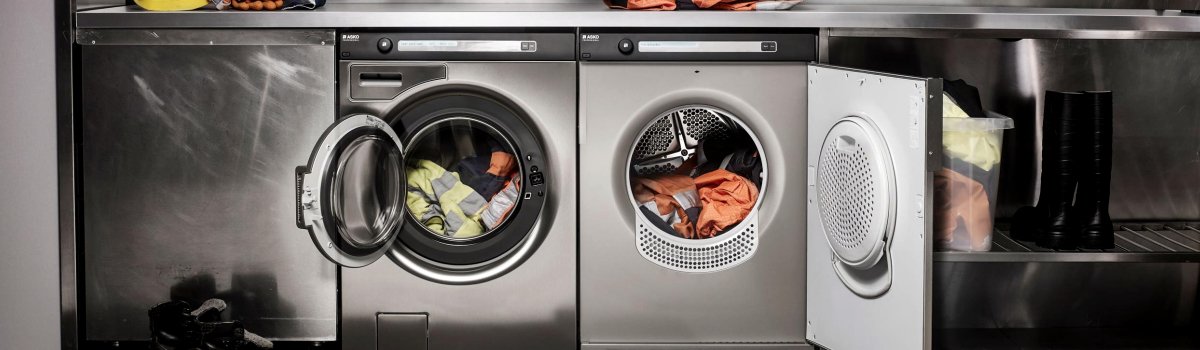
If your Asko washer is showing Error Code E36, it can be confusing and frustrating. This error indicates a communication breakdown between the User Interface (UI) – the control panel you interact with – and the Program Memory Control Unit (PMCU), which manages the washer’s operations. Understanding this error is the first step toward resolving it and restoring your washer to proper functionality.
What E36 Means
The E36 error specifically points to a fault in communication between the UI and PMCU. Essentially, the washer’s brain (PMCU) is not properly receiving or sending signals to the control panel. When this happens, the machine may fail to start cycles correctly, respond to settings, or even display the correct status.
This kind of error is more common than many people think and can occur due to electrical, software, or hardware issues. Recognizing the warning signs early can prevent more serious problems down the line.
Common Causes of the E36 Error
Several factors can lead to an E36 error. Most issues fall into three main categories:
- Faulty Wiring – Over time, the wiring harness connecting the UI to the PMCU can wear, loosen, or get damaged. Even a small break in a wire can disrupt communication.
- Component Malfunction – Either the UI or PMCU may fail. Electronics can degrade with age, exposure to moisture, or power surges.
- Software Glitches – Modern Asko washers rely on software for communication between components. Occasionally, an update or a minor glitch can trigger E36 even when the hardware is fine.
Understanding the cause helps you decide whether a simple DIY fix will work or if professional help is required.
DIY Troubleshooting Steps
Before calling a technician, there are some steps you can try at home. Start with the simplest solutions and move to more technical checks only if necessary.
- Inspect Wiring Connections
Turn off the power and unplug the washer. Carefully examine the wiring harness between the UI and PMCU for visible damage or loose connections. If you find any worn or disconnected wires, secure them or replace the damaged sections. - Restart the Washer
Unplug the washer and wait a few minutes to allow the electronics to reset. Plug it back in and restart the machine. A simple power cycle can sometimes clear minor communication errors. - Check for Software Updates
Visit the Asko website to see if your washer model has any available firmware updates. Installing the latest updates can resolve glitches in the control system.
If these steps don’t resolve the problem, the issue may require a trained technician. Persistent communication errors can indicate a failing PMCU or control panel, which usually need professional replacement.
Signs That Professional Help is Needed
While some E36 errors can be cleared with basic troubleshooting, certain signs suggest that it’s time to call a certified technician.
- The error persists after restarting the washer multiple times.
- The control panel is unresponsive or shows random or flickering symbols.
- You notice burning smells or unusual sounds from the electronics.
Ignoring these signs can worsen the problem, potentially causing permanent damage to the washer’s electronics.
Preventive Measures
Preventing E36 errors is easier than repairing them. A few simple steps can maintain healthy communication between the UI and PMCU:
- Keep the Washer Dry – Moisture near electronics can corrode connections and trigger errors.
- Avoid Power Surges – Using a surge protector can help protect sensitive electronics in your washer.
- Check Wiring Regularly – Periodically inspect wiring harnesses and connectors for wear or loose connections.
- Follow Software Guidelines – Install recommended updates from Asko to prevent glitches.
- Handle the Control Panel Carefully – Avoid pressing buttons too hard or using sharp objects on the panel.
Routine care and mindful operation can dramatically reduce the chances of encountering an E36 error.
Why Early Action Matters
Communication errors between the UI and PMCU can seem minor at first, but ignoring them can lead to more serious electrical issues. Over time, failing electronics can affect other components, increasing repair costs. Taking action early, even if it’s just a visual inspection and restart, can save time and money while keeping your washer functioning optimally.
Final Thoughts
The Asko Washer Error Code E36 is essentially a communication problem between your control panel and the PMCU. While it can be triggered by wiring issues, component malfunctions, or software glitches, many cases are resolved with basic troubleshooting like inspecting connections, restarting the washer, or installing software updates. Regular maintenance, careful handling, and early action can prevent recurring errors and prolong the life of your Asko washer.
By understanding what causes E36, how to address it, and how to prevent it, you can keep your washer running smoothly and avoid unnecessary service calls.