
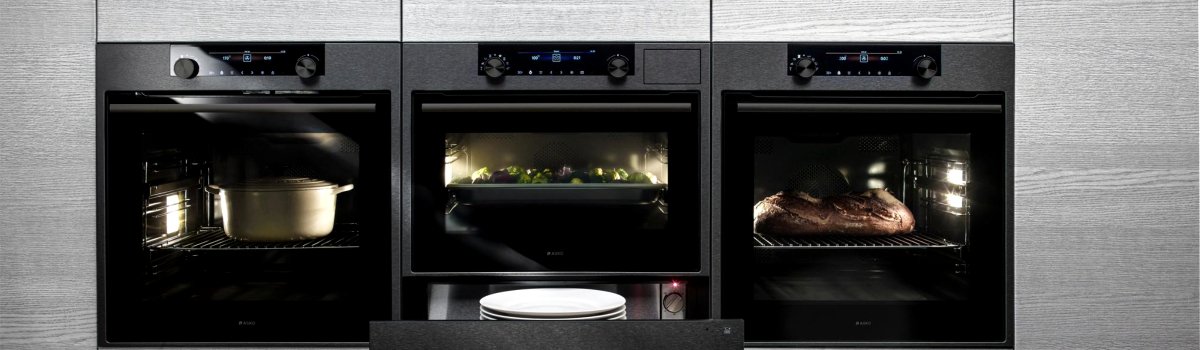
Owning a high-end Asko oven should make cooking effortless. But when your oven suddenly displays ERR8, it can be confusing and frustrating. Don’t worry—this guide will break down the ERR8 error in simple terms, explain why it happens, and provide practical steps to resolve it. We’ll also cover preventative measures to keep your oven running smoothly in the future.
What ERR8 Means: Electronics Error
The ERR8 code is an electronics-related error. In simple words, it means that your oven has detected a problem within its internal electronic system. Most often, this points to the control module, which is essentially the brain of your oven. However, other electronic components may also be involved.
When this code appears, your oven might show other symptoms such as:
- Oven not heating properly
- Buttons or touch controls unresponsive
- Random shutdowns during cooking
Understanding that this is an electronics issue helps prevent confusion—you know it’s not just a simple bulb or heating element problem.
Possible Causes of ERR8
There are several reasons why your Asko oven might show the ERR8 code. Some of the most common causes include:
- Faulty Control Module: The central unit controlling your oven’s operations may be malfunctioning.
- Defective Electronics: Issues with other internal electronic components, such as relays or sensors, can trigger this error.
- Loose or Damaged Wiring: Even small wiring issues can disrupt the system, causing the oven to report ERR8.
While these problems may sound technical, identifying them is key to knowing whether a simple reset can help or if professional repair is needed.
DIY Solutions: Fixing ERR8 at Home
Before calling a technician, there are some steps you can try yourself. These methods often resolve minor electronic glitches:
- Power Cycle Your Oven
- Turn off the oven and unplug it from the outlet.
- Wait at least 10 minutes before reconnecting.
- This can reset the electronics and sometimes clears the ERR8 code.
- Inspect Wiring Connections
- Check behind the control panel if accessible.
- Ensure all wires are connected securely and not damaged.
- Loose wires can interrupt communication within the oven and cause the error.
- Consult the User Manual
- Your Asko oven manual may provide model-specific guidance.
- Look for troubleshooting steps related to ERR8 or electronics faults.
These steps can save time and sometimes eliminate the need for service calls. However, if the error persists, professional diagnostics are recommended.
Preventive Measures: Keep Your Oven Healthy
Avoiding ERR8 in the future is often easier than fixing it. Here are some tips to maintain your oven’s electronics:
- Avoid Power Surges: Use surge protectors for kitchen appliances to protect sensitive electronics.
- Clean Regularly: Dust and debris inside the control panel can interfere with electronics.
- Avoid Moisture Exposure: Keep steam and water away from the control module.
- Schedule Routine Checks: Periodically inspect wiring and connections for wear and tear.
Taking preventive steps can significantly extend the life of your oven and reduce the likelihood of error codes like ERR8.
Summary
The Asko ERR8 error is an electronics-related problem that most commonly involves the control module or other internal components. While some fixes are simple—like resetting the oven or checking wiring—more complex issues may require professional repair. Understanding the causes and implementing preventive practices can save you time, money, and stress in the long run.
Remember, a well-maintained oven is not only more reliable but also ensures your cooking experience stays seamless and enjoyable. Keep these tips handy, and your Asko oven will serve you well for years to come.